Ask Rep
Ask Rep is Prerak's AI assistant. Ask it questions about your CRM in plain language and it answers using your workspace data — and when you want, it proposes actions you can run without leaving the conversation.
Where to find it
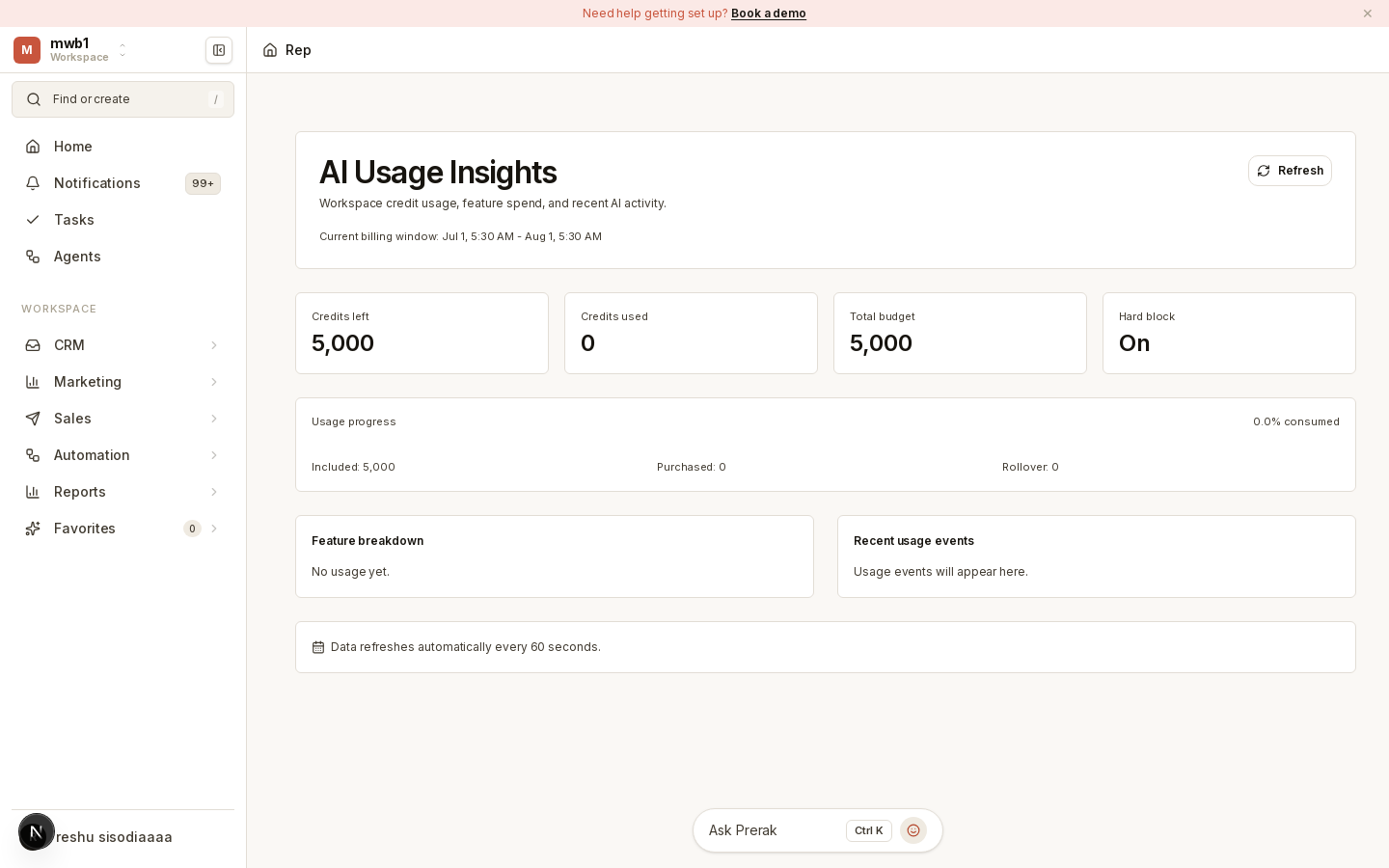
Open the Ask Rep area from the sidebar (labeled AI Usage Insights), or use the Rep widget available across the app.
What you can ask
- Questions about your data — "How many deals are closing this month?", "Which accounts haven't been touched in two weeks?"
- Actions to run — Rep can propose executable steps (creating tasks, drafting follow-ups) that you review and confirm.
Tip: Be specific. "Draft a follow-up email to Jane Chen about the renewal" gives Rep enough context to produce something you can send with light edits.
Briefings and summaries
Ask Rep also powers the AI summaries you see elsewhere in Prerak:
- Meeting briefings — concise prep before a call.
- Entity summaries — the intelligence panels on company, contact, and deal records that pull together recent history.
- Deal coaching — stage-specific guidance on open deals (see Playbooks & Coaching).
Usage and credits
Ask Rep consumes AI credits like other AI features. You can review usage and top up your balance in Billing & Credits, and admins control which model answers in AI Platform.