Tickets & SLA
Tickets are Prerak's service desk. They track customer issues through pipelines and stages, with SLA policies and routing to keep response times on target.
Where to find it
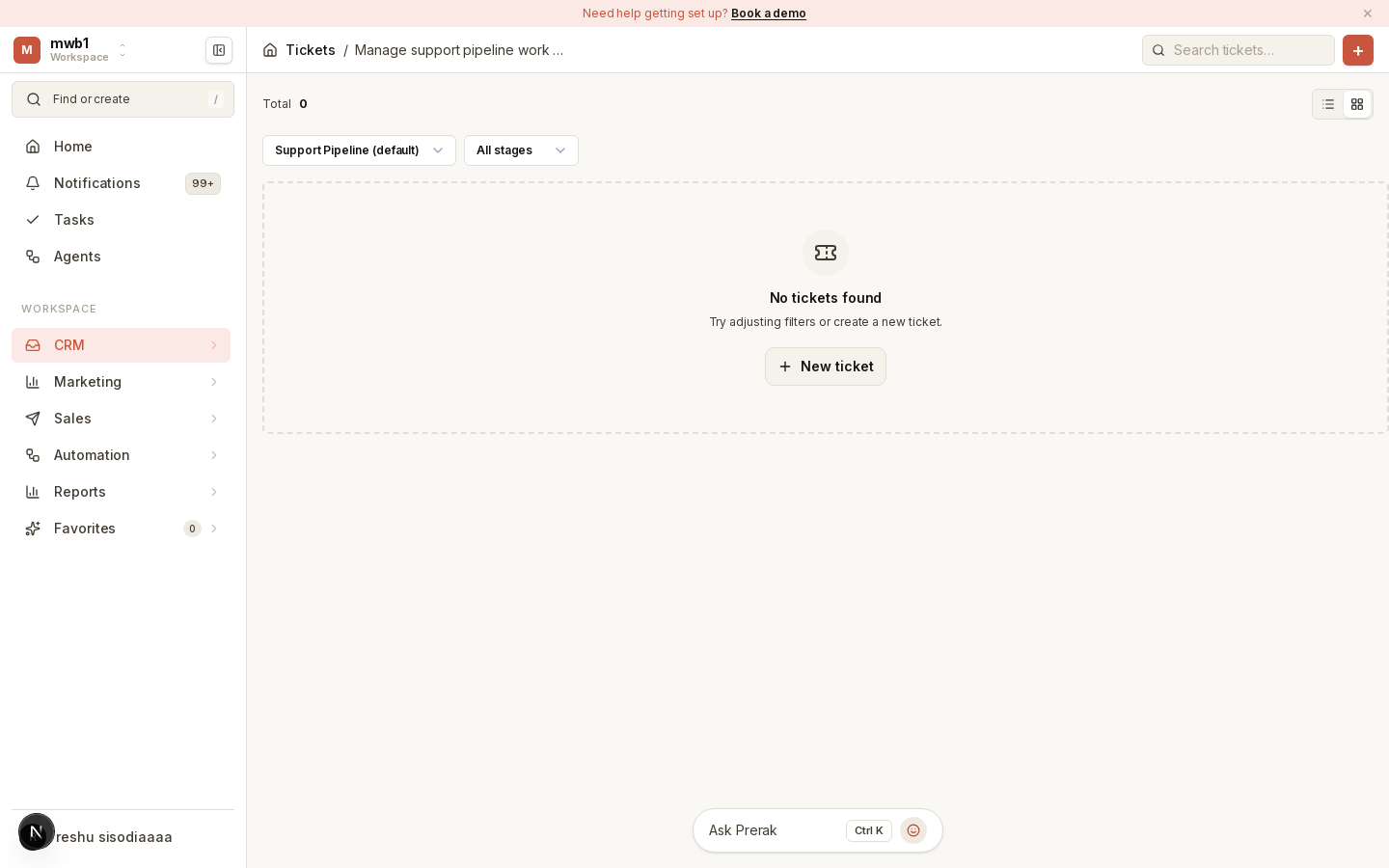
Open Tickets from the sidebar.
Working tickets
Tickets move through pipelines and stages much like deals. Create a ticket in the selected pipeline with New ticket, then work it through to resolution. Each ticket collects the customer, the conversation, and its status.
SLA policies and routing
Admins configure the service desk in Settings → Service:
- SLA policies set response and resolution targets.
- Routing rules assign incoming tickets to the right person or team.
Service performance is reported in the analytics suites and the service dashboards under Reports.