Dashboards & Reports
Reports turn your CRM data into answers — pipeline health, activity, forecasts, and service performance — and dashboards bring the ones you watch most into a single view.
Where to find it
Open Reports from the sidebar. The dashboard library lives at Reports → Dashboards.
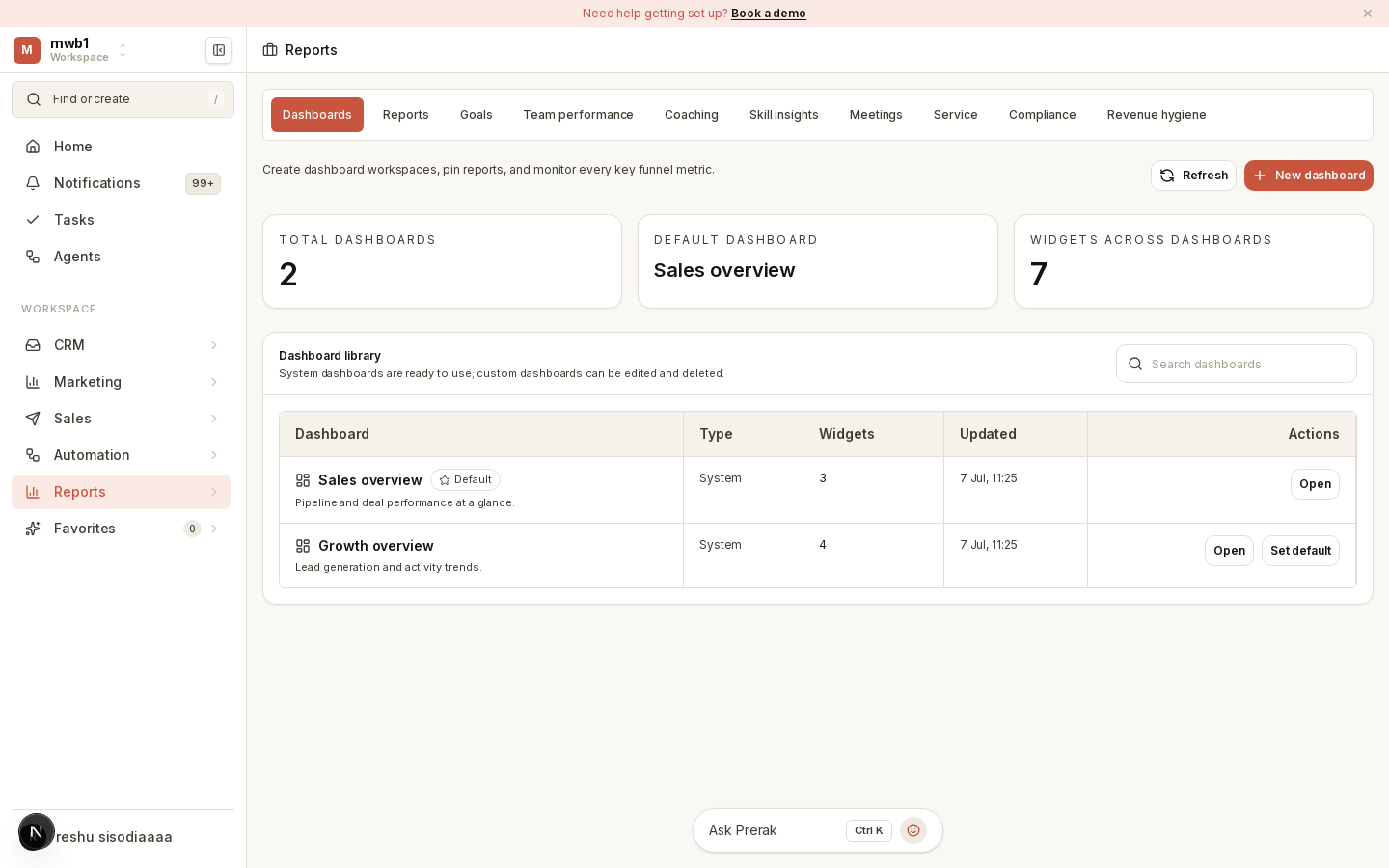
Reports and dashboards
- Reports are individual views of your data — deals, meetings, service, and more.
- Dashboards collect related reports into a single screen so you can monitor the metrics that matter at a glance.
Prerak ships a range of reporting areas covering deals, meetings, and service, alongside the specialized analytics suites described in Analytics Suites.
Reporting settings
Admins can set reporting conventions — such as naming policy and channel linting — in Settings → Reports, keeping reports consistent and easy to find as the library grows.
Tip: Save the dashboards your team relies on and check them on a regular cadence, rather than rebuilding the same views ad hoc.