Meetings & Scheduler
Prerak keeps your meetings on your records and gives prospects an easy way to book time with you.
Where to find it
Open Meetings from the sidebar for your meeting records; configure the scheduler in Settings → Meetings.
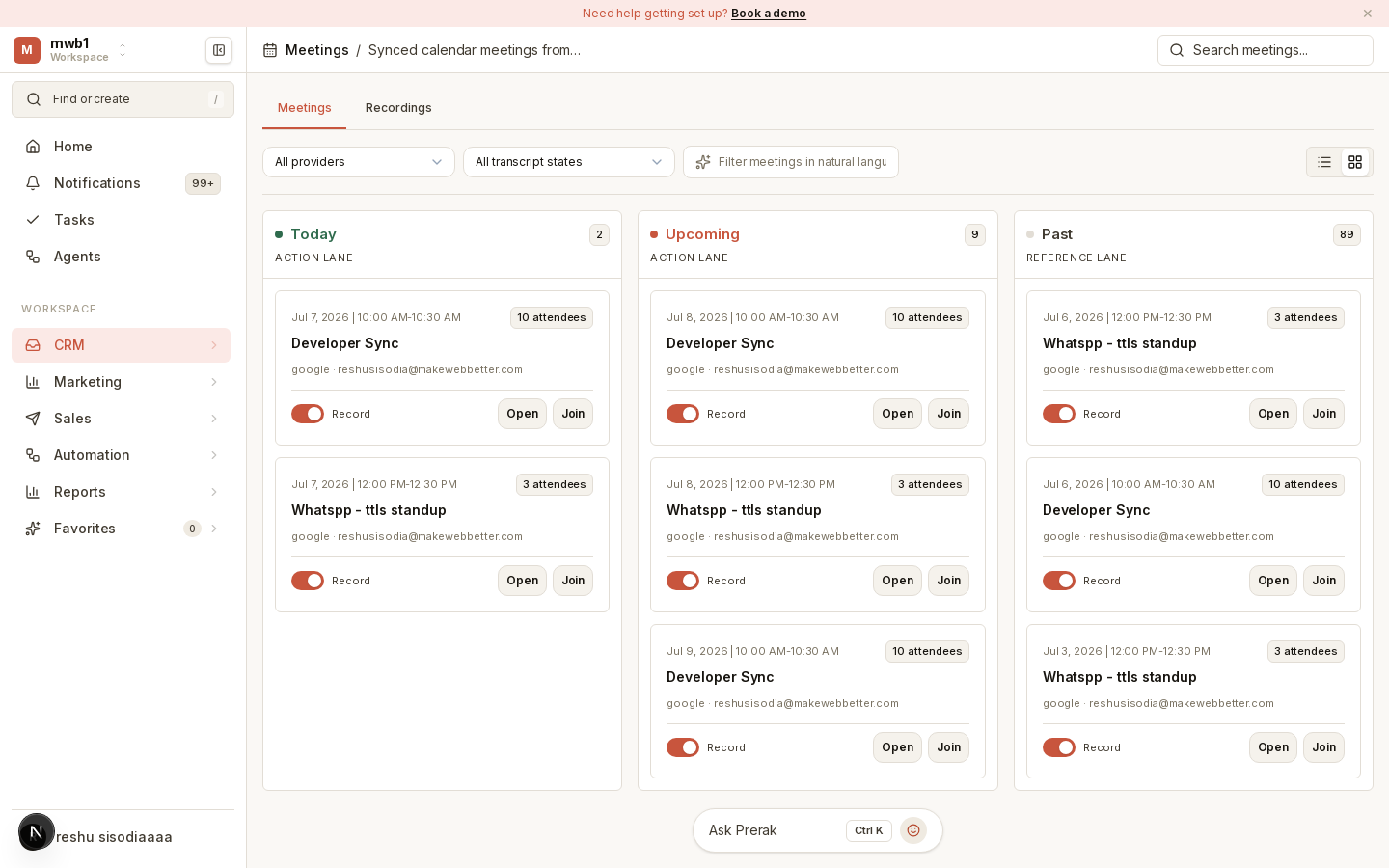
Meeting records
Once your calendar is connected, meetings sync into Prerak and attach to the related people, companies, and deals automatically. Each meeting record collects its details, attendees, and — where available — recordings and AI briefings.
Note: Meetings appear only after you connect Google or Microsoft in Settings → Email & Meetings. Until then, the Meetings view prompts you to connect a provider and run a sync. See Email & Calendar.
The scheduler
Where to find it: Settings → Meetings.
Set up booking so people can schedule time with you or your team:
- Public booking links prospects can use to self-serve a time.
- Availability rules that define when you can be booked.
- Rotation pools that distribute bookings across a team (for example, round-robin among SDRs).
- Reminder policies to reduce no-shows.
