Shared Inbox
The shared inbox brings your team's conversations — emails, messages, and calls — into one place, so anyone can pick up a thread and nothing falls through the cracks.
Where to find it
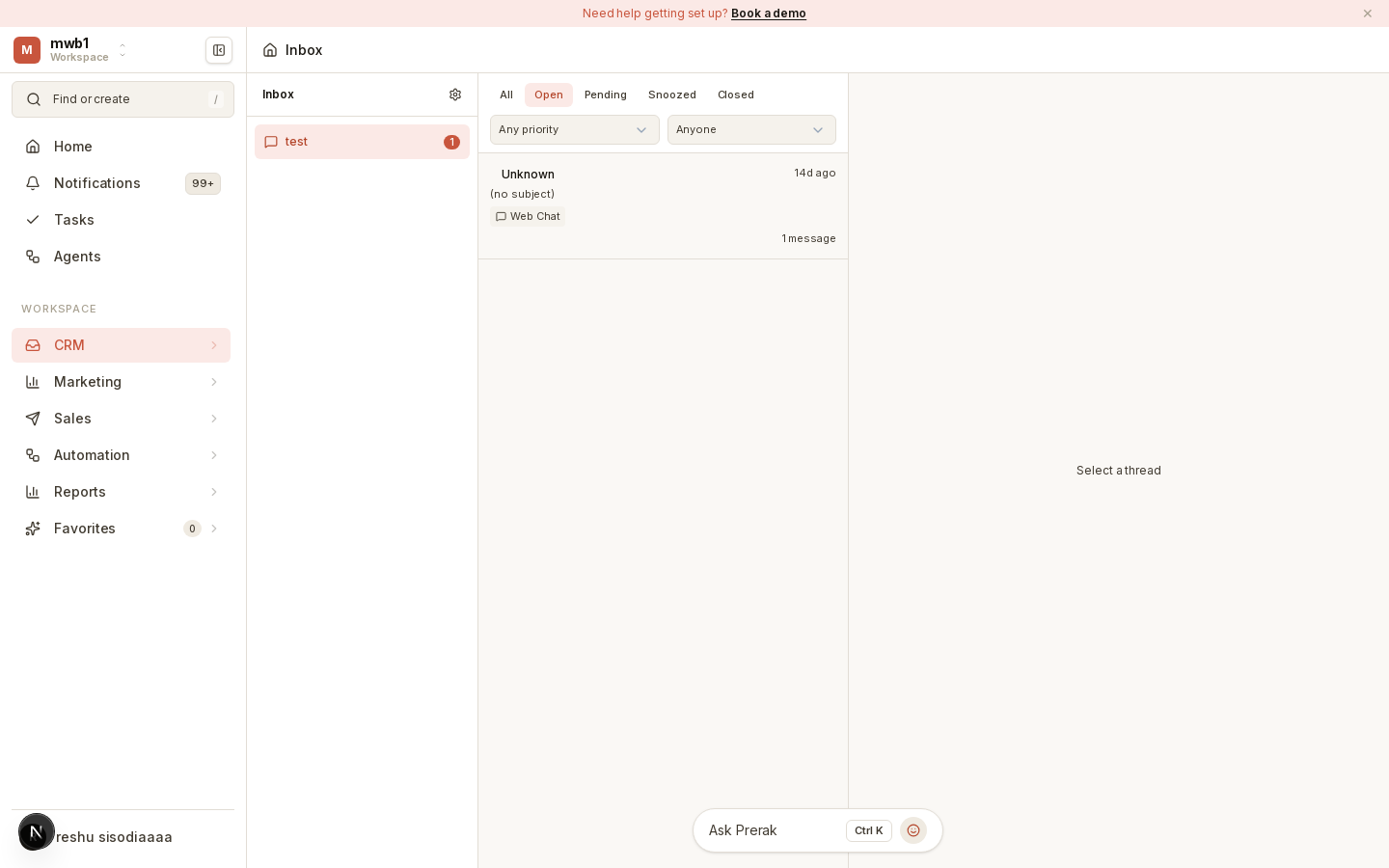
Open Inbox from the sidebar.
Working conversations
The inbox shows conversations across your connected channels. From a conversation you can read the full thread, reply, and see the related CRM record. Conversations can be routed to the right person or team automatically.
Speeding up replies
- Canned responses — pre-written replies for common questions. Manage them in Settings → Canned responses.
- Macros — one-click sequences of actions on a conversation (for example, reply, tag, and close together). Manage them in Settings → Macros.
Tip: Build canned responses for your most frequent questions first — they deliver the biggest time savings and keep answers consistent across the team.
Channels
Connect the channels your customers use in Settings → Inbox (channels, routing) and via Integrations.