Workflows
Workflows are no-code automations that react to events in your CRM — when a deal changes stage, a form is submitted, or a record is created — and run actions in response.
Where to find it
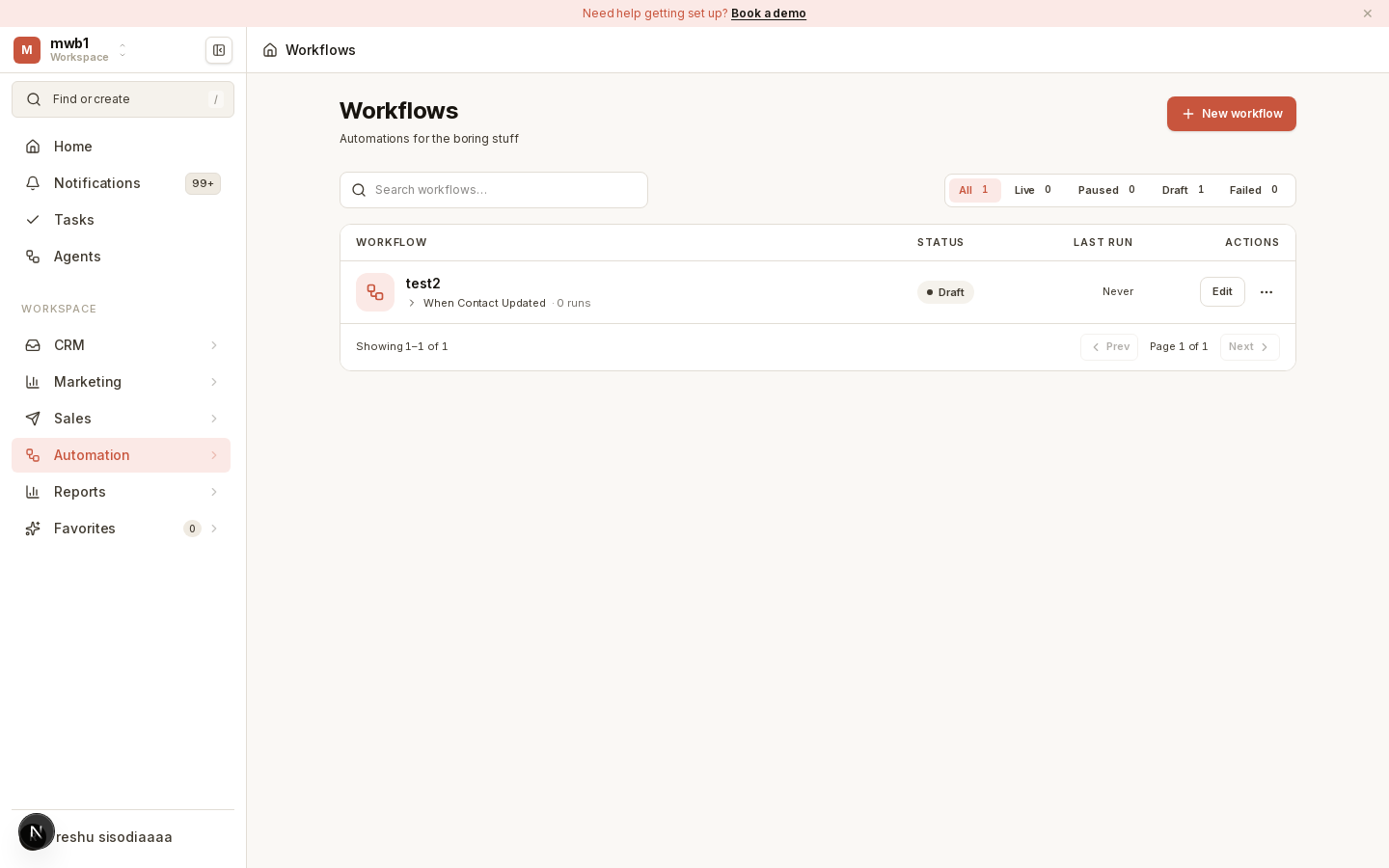
Open Workflows from the Automation area of the sidebar.
Building a workflow
Workflows are built visually on a canvas:
- Create a workflow and give it a name.
- Define a trigger — the event that starts the workflow.
- Add actions that run when the workflow fires. Actions can create or update records, send templated emails, create tasks, and more.
- Publish the workflow to make it live.
Published workflows track their runs, so you can see when they fired and what they did.
Templated email actions
The "Send from Template" action uses templates you define in Settings → Email
templates, with merge tokens like {{trigger.contactFirstName}} filled in at
send time — see Email & Calendar.
Connections
Some actions rely on connections (for example, external services). Manage these in Settings → Workflow connections.
Tip: Test a workflow on a small, known set of records before publishing it broadly, so you can confirm the trigger and actions behave the way you expect.