Marketing Emails
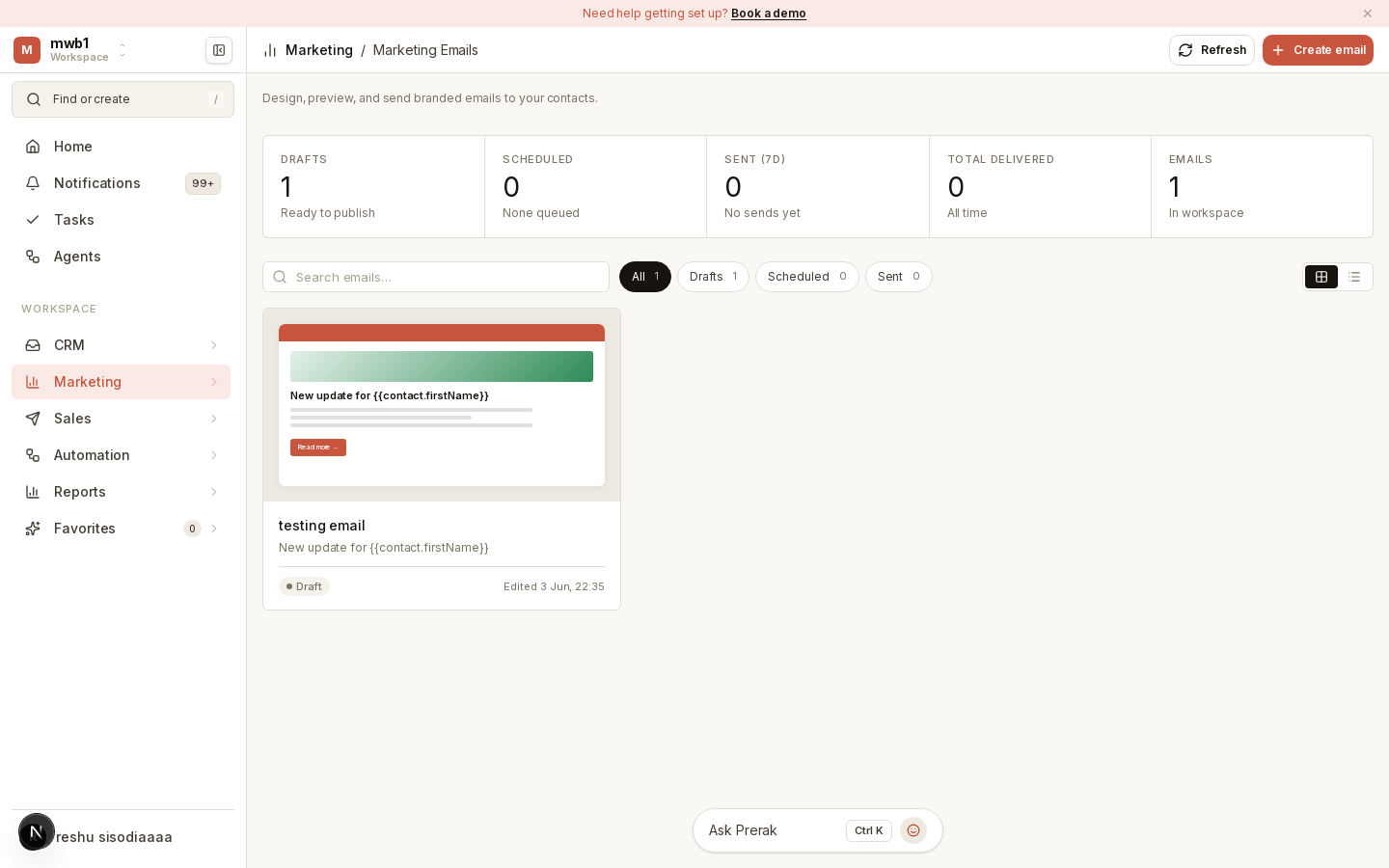
Marketing emails are one-to-many sends to a list — announcements, newsletters, and campaigns — with an approval step before they go out.
Where to find it
Open Marketing Emails from the sidebar.
Building and sending
- Create a marketing email and build its content in the composer.
- Choose your audience — target a list or segment.
- Schedule the send, or send it once approved.
- Approve — marketing emails move through an approval lifecycle so a send is reviewed before it reaches recipients.
You can browse emails in a gallery or table view to manage what's in flight.
Warning: Consent and suppression rules apply automatically. Recipients who have opted out or been suppressed are excluded from the send — manage these in the consent center.
Marketing emails vs sequences
- Marketing emails are broadcast sends to a list at a point in time.
- Sequences are automated, multi-step outreach cadences aimed at individuals over time — see Sequences.