Lists & Segments
Lists group records together so you can target them, report on them, and act on them as a set.
Where to find it
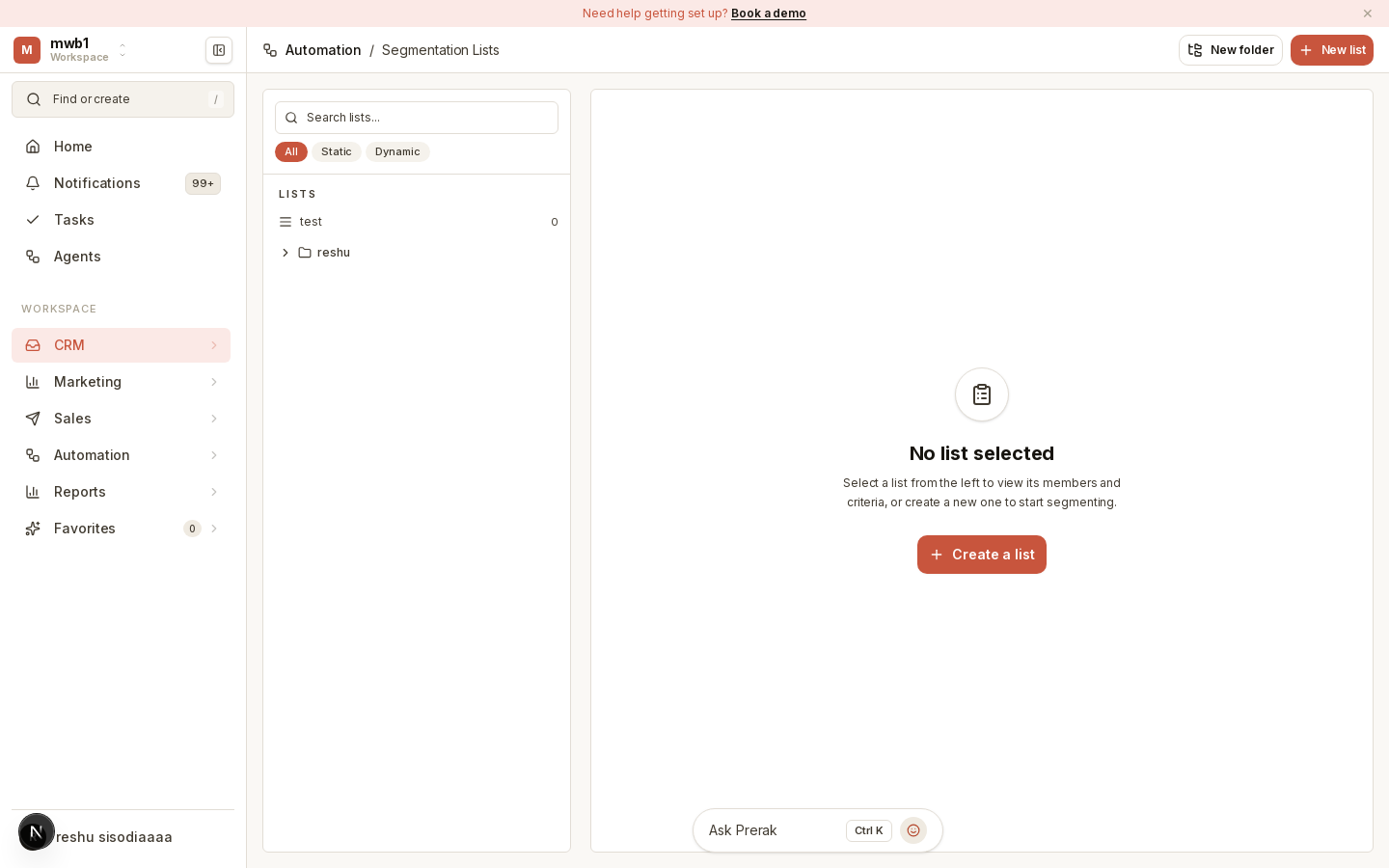
Open Lists from the CRM area of the sidebar.
Static vs dynamic lists
Prerak supports two kinds of lists:
- Static lists — a fixed set of records you add and remove manually. Use these when membership shouldn't change on its own (for example, attendees of a specific event).
- Dynamic lists — membership is defined by criteria, and records join or leave automatically as they start or stop matching. Use these for segments that should always stay current (for example, "all open opportunities in the Northeast").
Using lists
Once a list exists you can use it to:
- Target a marketing email at its members.
- Enroll members into a sequence.
- Report on a defined segment of your database.
You can organize lists into folders to keep them manageable as they grow.
Tip: Reach for a dynamic list whenever the segment is defined by a rule. It saves you from re-building the membership every time your data changes.