Sequences
Sequences automate multi-step outreach — a series of emails and actions that run on a schedule as you enroll contacts, so follow-up happens consistently without manual chasing.
Where to find it
Open Sequences from the Automation area of the sidebar.
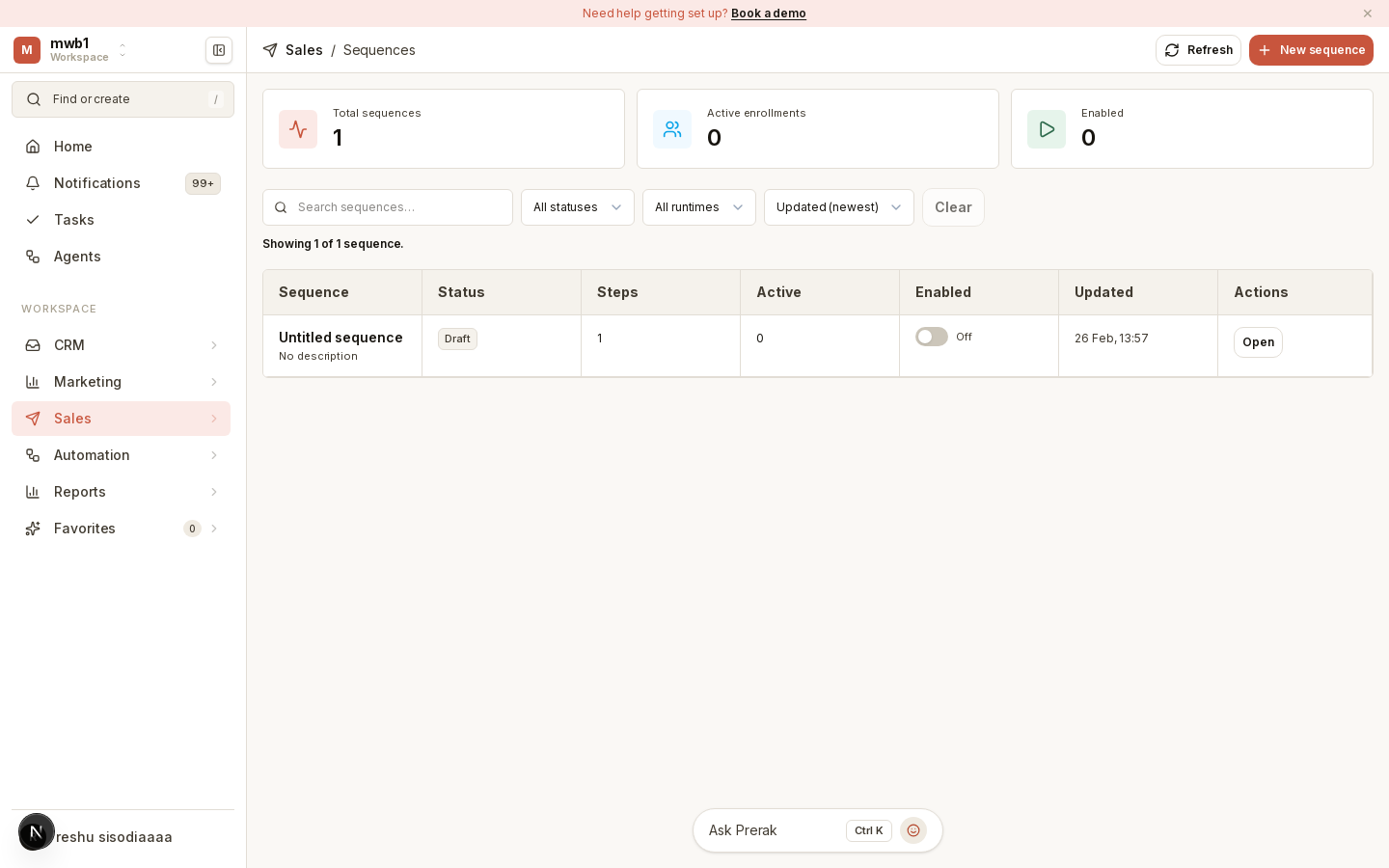
Building a sequence
A sequence is an ordered set of steps. In the editor you add steps — such as emails with delays between them — to define the cadence of your outreach. Once you're happy with it, publish the sequence so it can enroll contacts.
Enrolling contacts
Enroll people into a sequence to start them through the steps. You can enroll from a list or segment to reach a defined audience. As each contact progresses, Prerak tracks their run through the sequence.
Tip: Consent and suppression rules still apply to sequence emails. If someone has opted out, they're excluded — check the consent center if expected recipients aren't enrolled.
Sequences vs workflows
Sequences are for outreach cadences — a defined series of touches aimed at a person. For event-driven automation across your CRM (not just outreach), use Workflows.