Forms
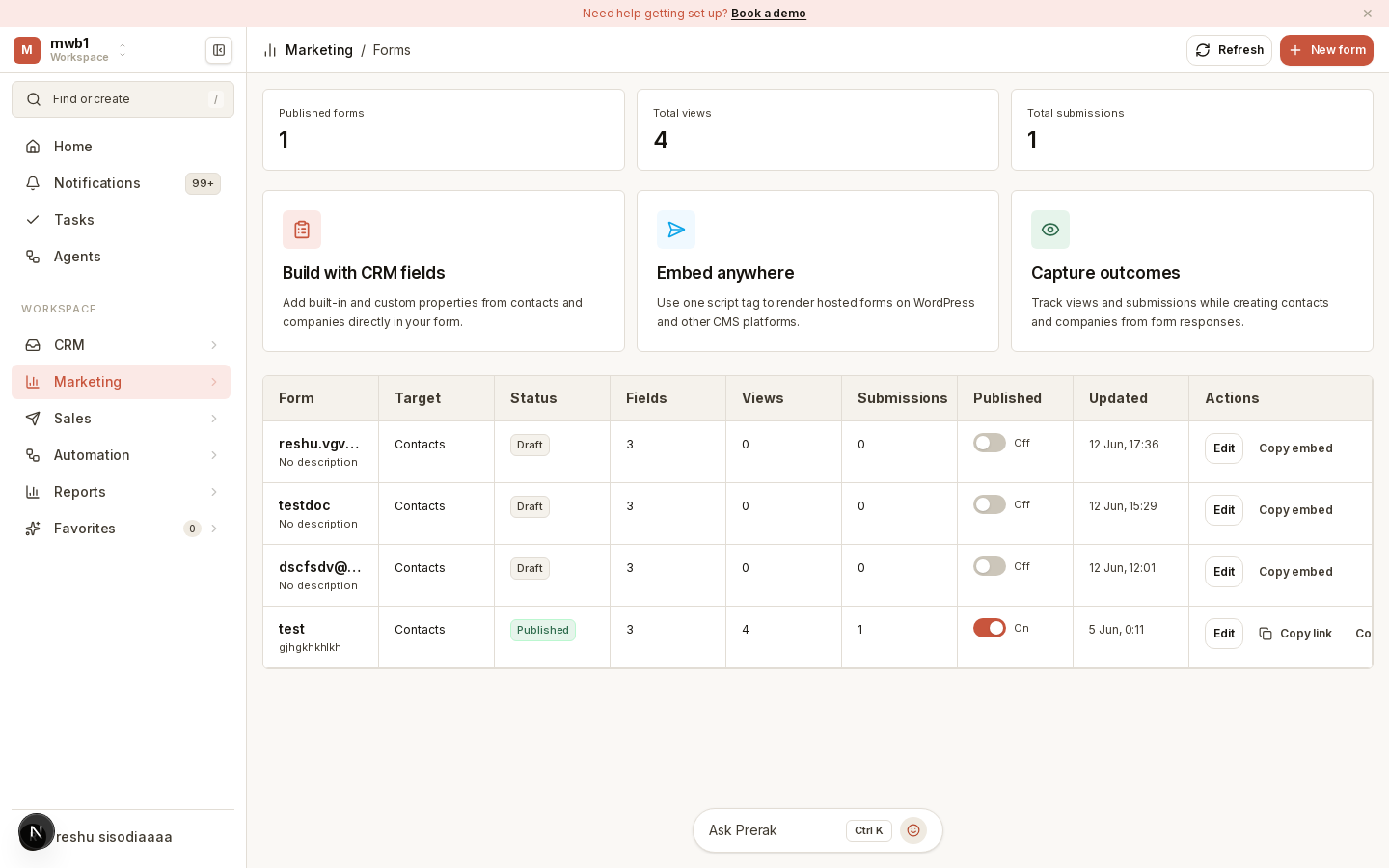
Forms capture leads from your website and other channels, creating CRM records automatically when someone submits.
Where to find it
Open Forms from the sidebar.
Building a form
- Create a form to capture leads and contacts.
- Build its fields in the form builder.
- Publish it and share the direct link, or embed it on your site.
When someone submits the form, Prerak creates or updates the corresponding contact (and company) record, so new leads land directly in your CRM.
Tip: Pair a form with a workflow triggered on submission — for example, to send a welcome email or assign a follow-up task automatically.